Choosing a dark profile picture
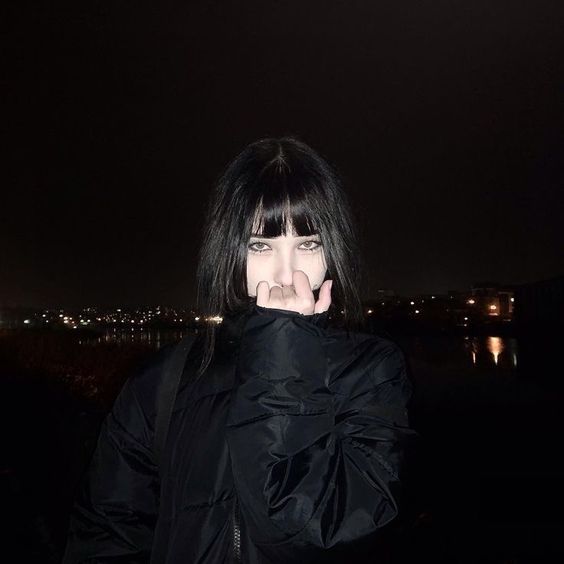
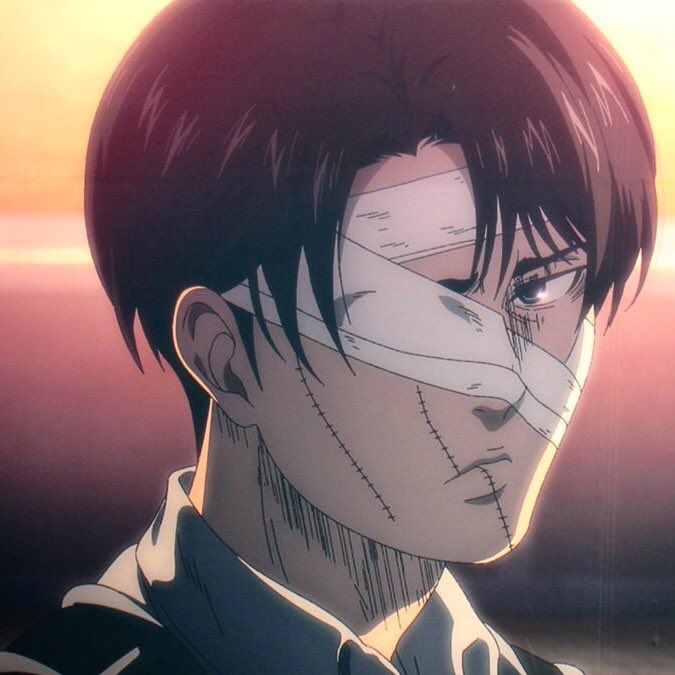
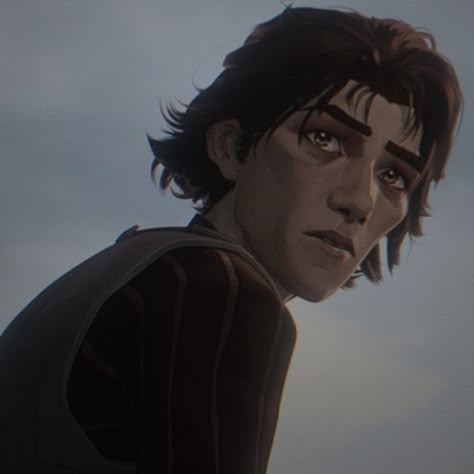
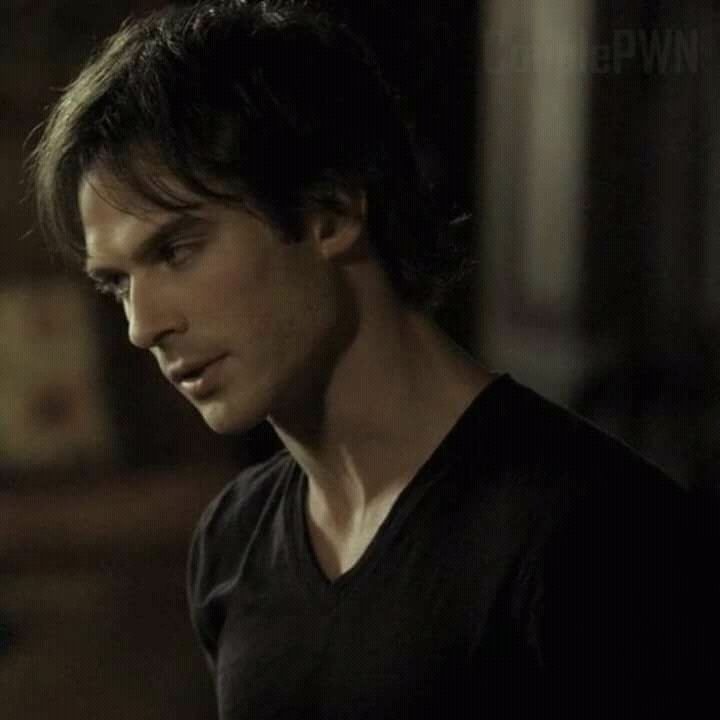
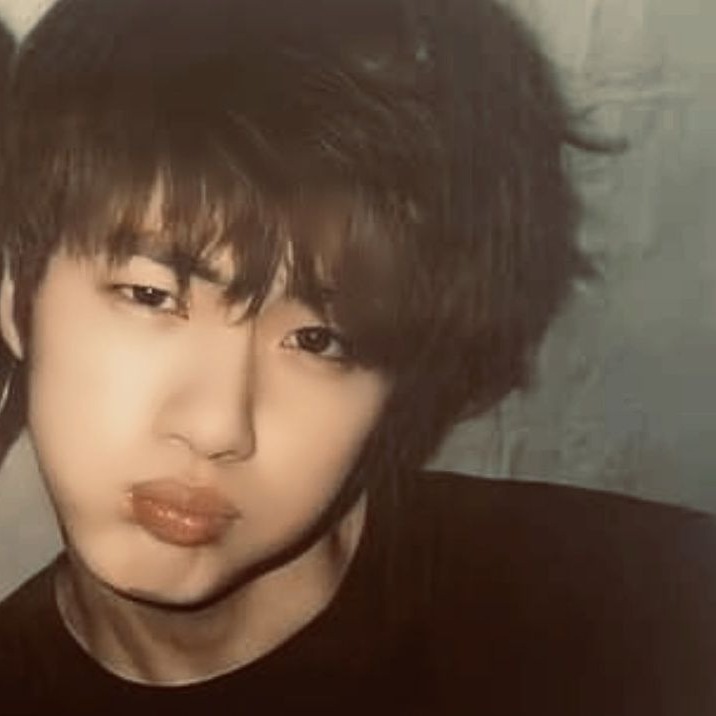
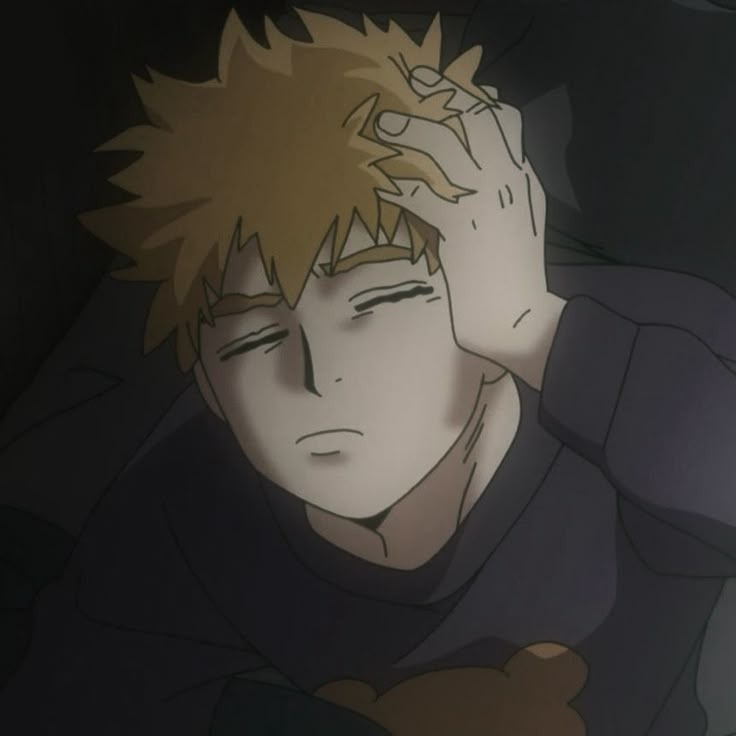
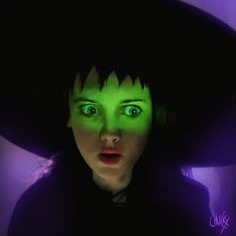
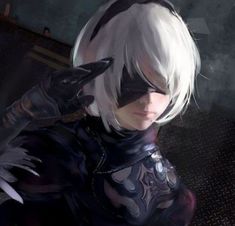
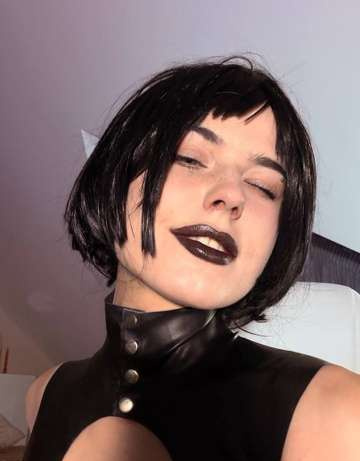
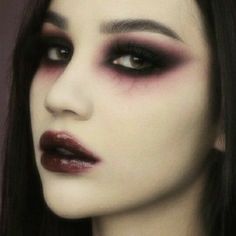
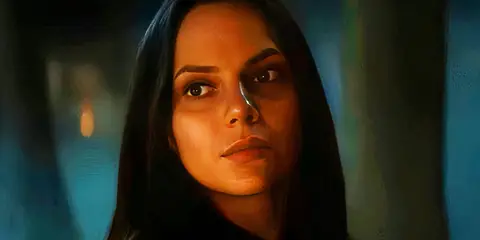
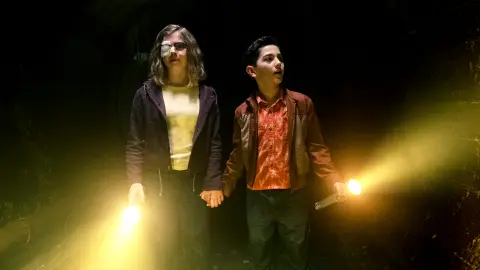
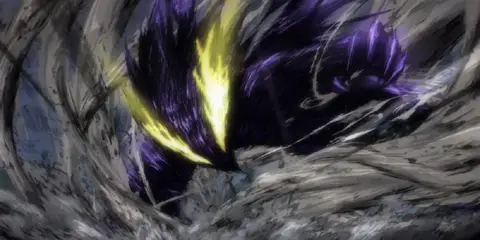
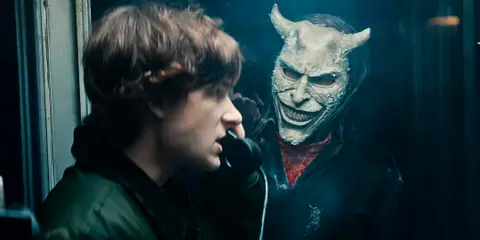
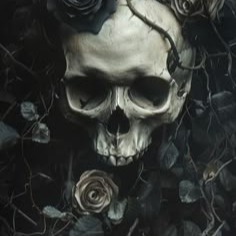
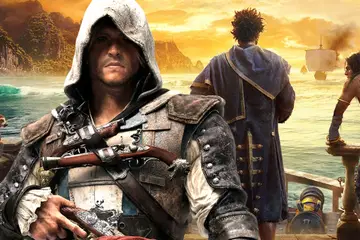
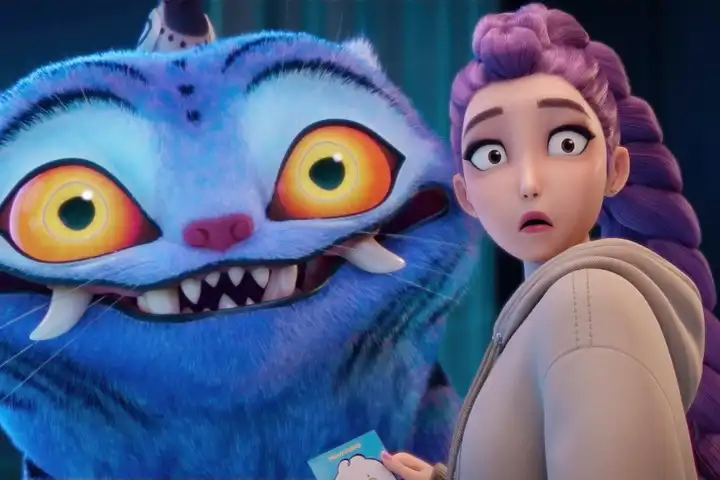
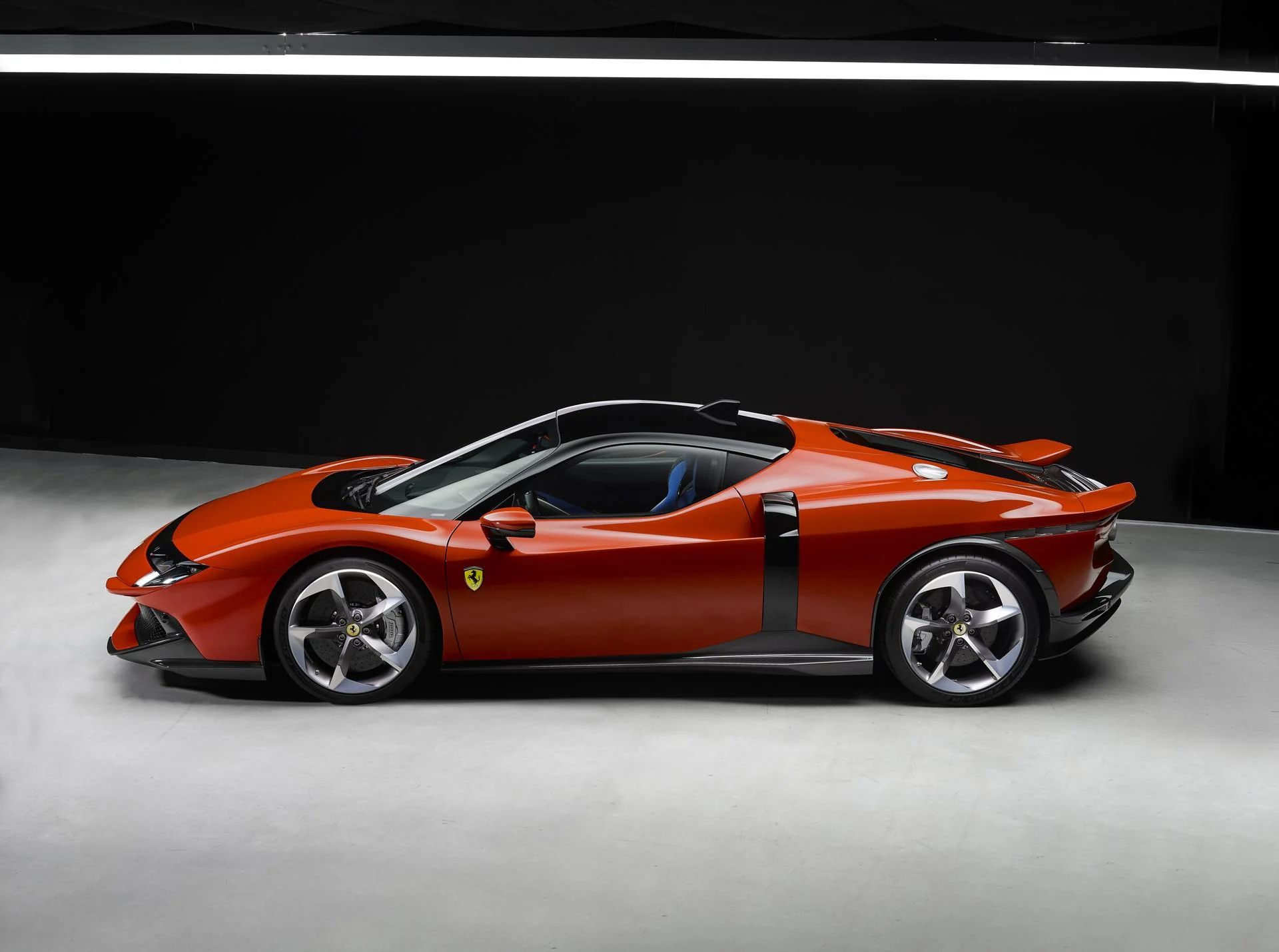
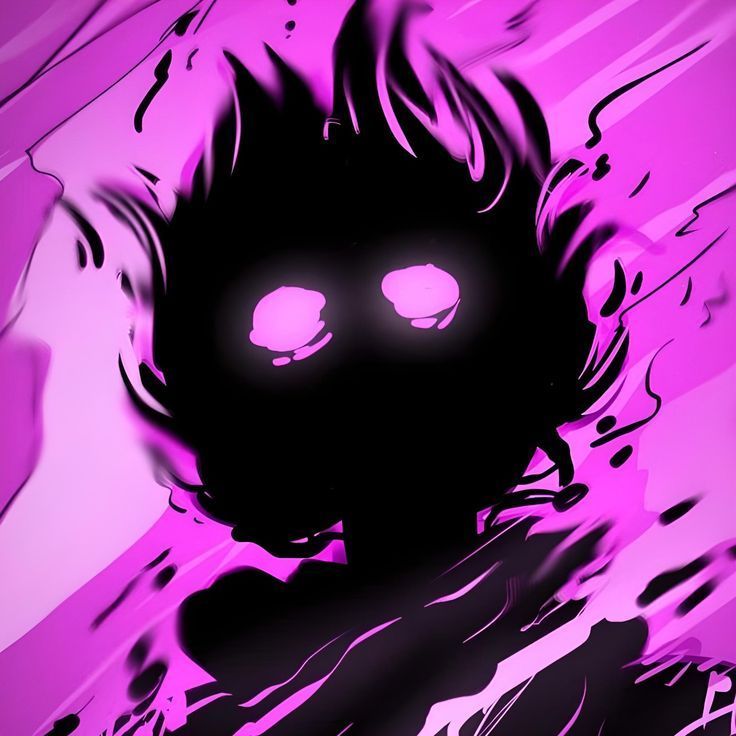
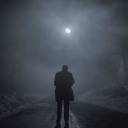
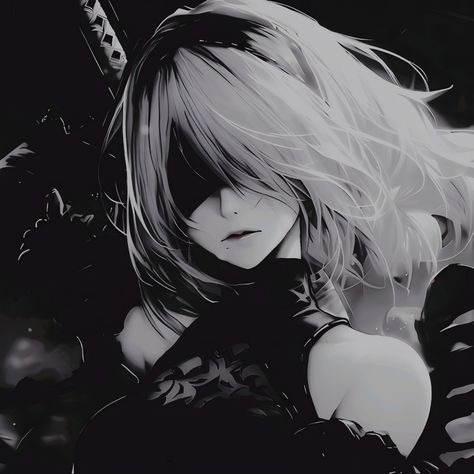
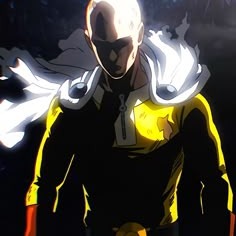
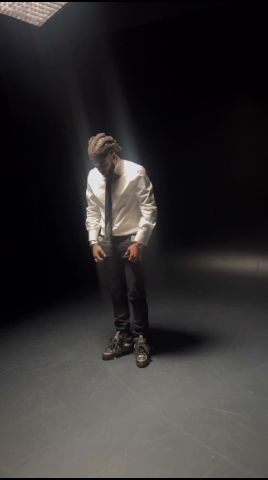
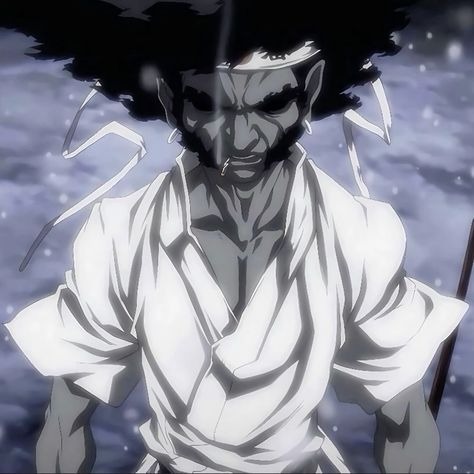
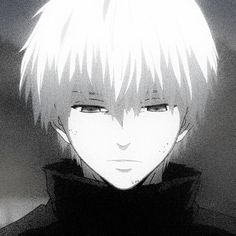
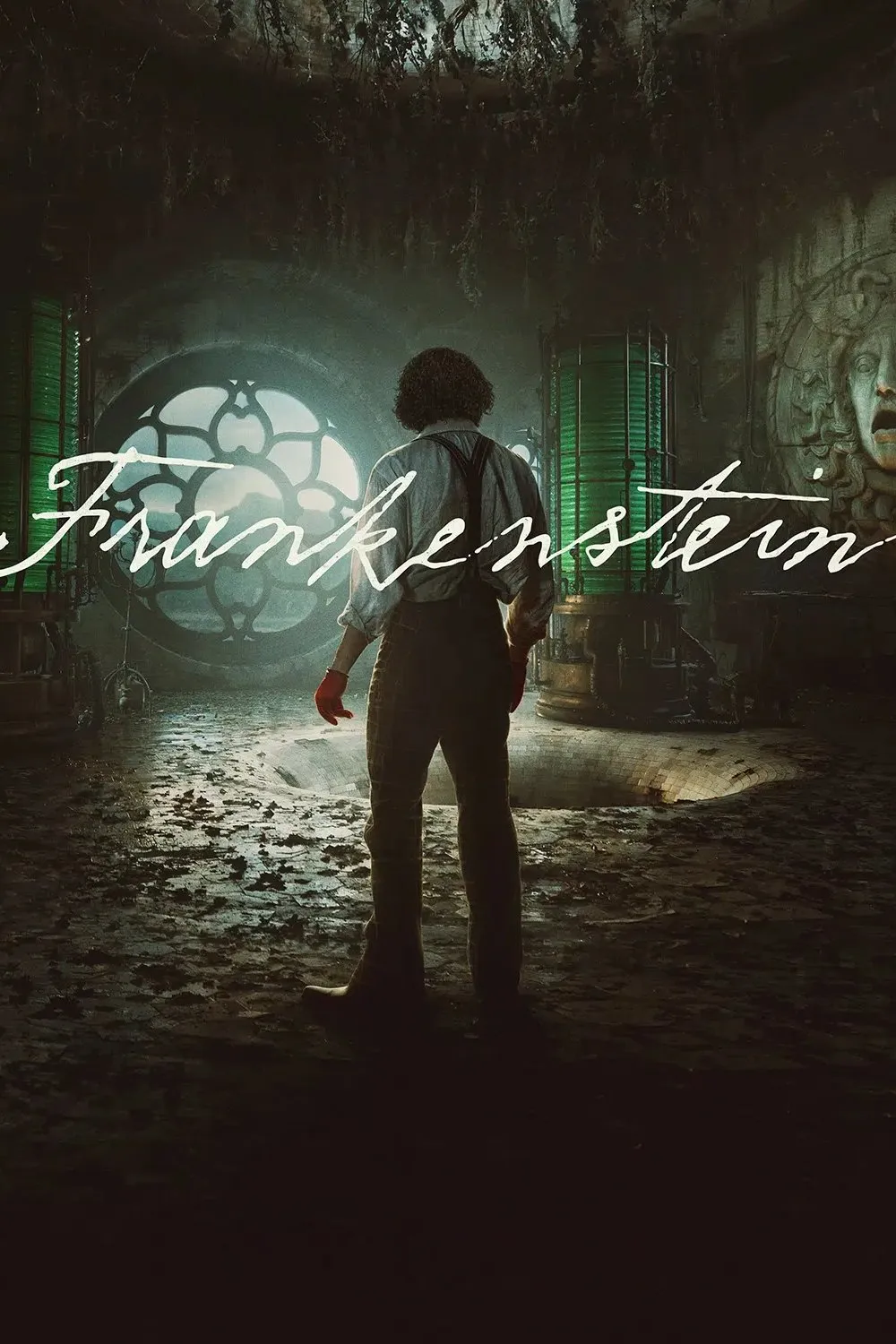
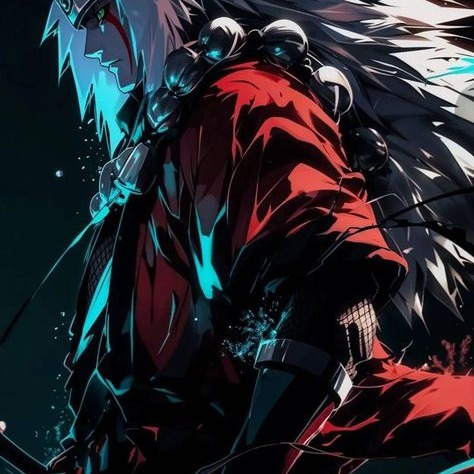
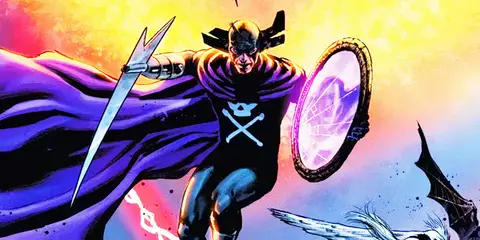
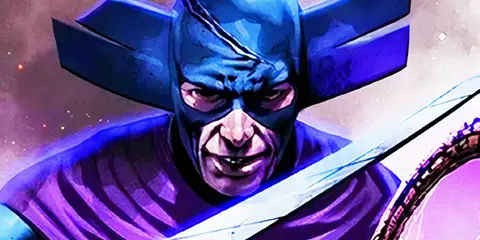
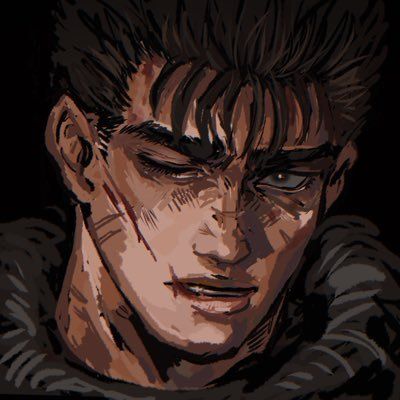
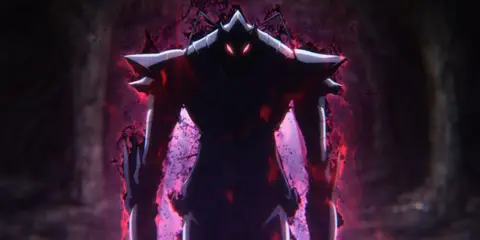
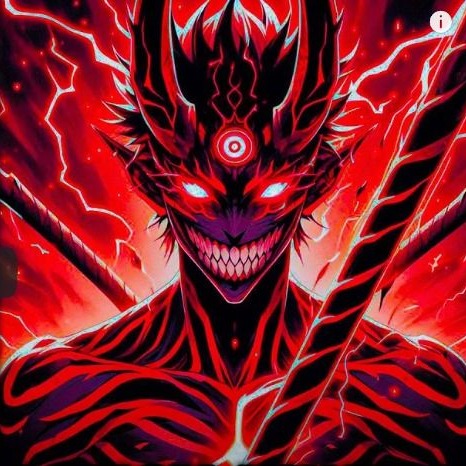
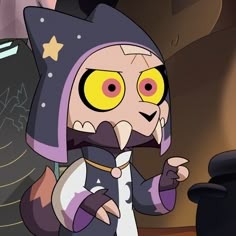
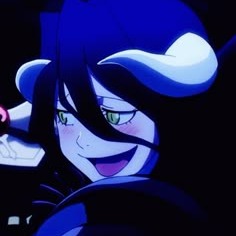
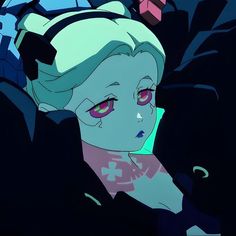
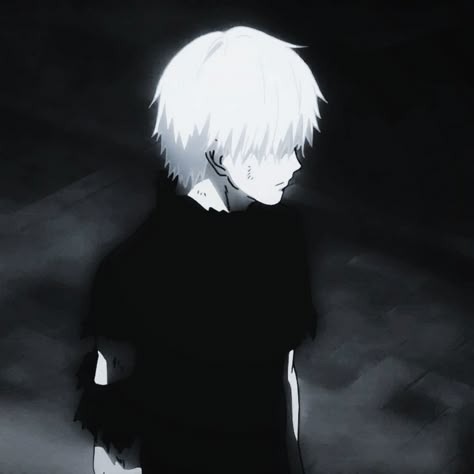
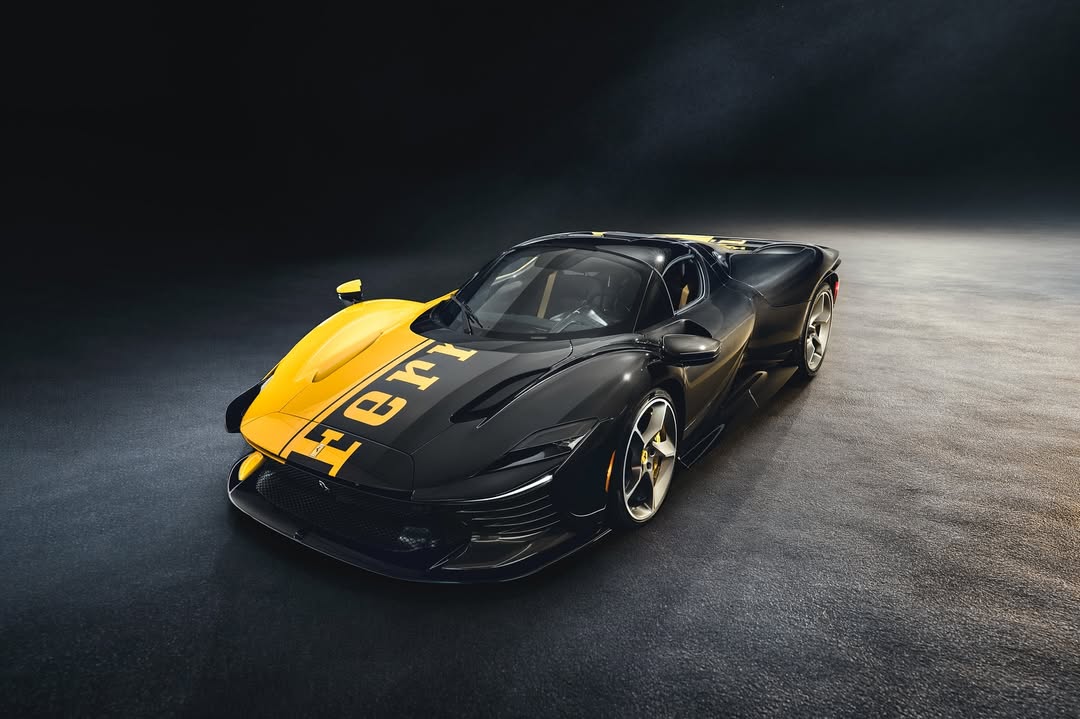
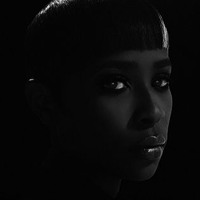
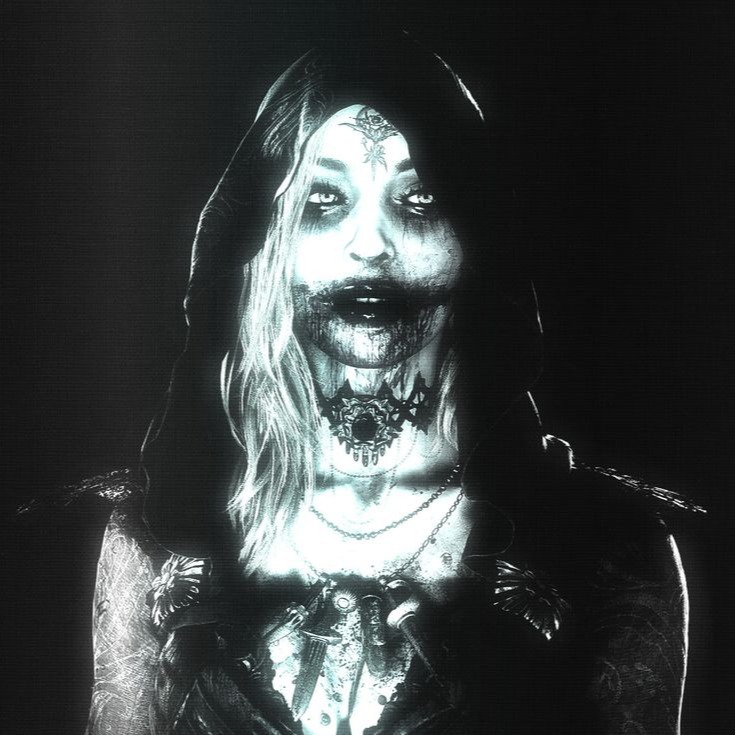
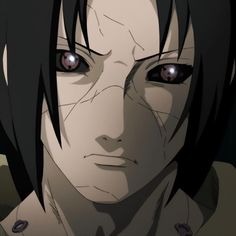
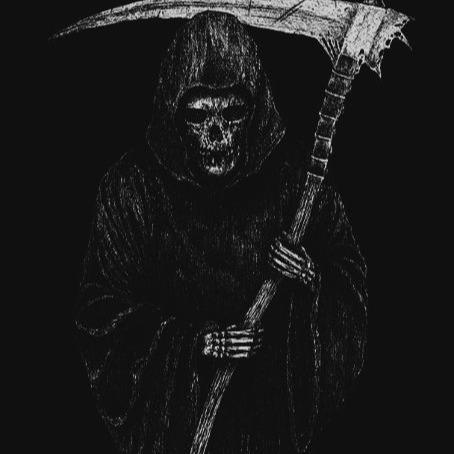
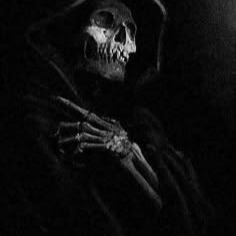
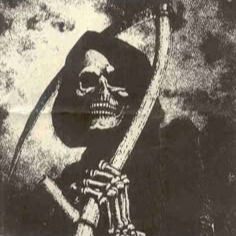
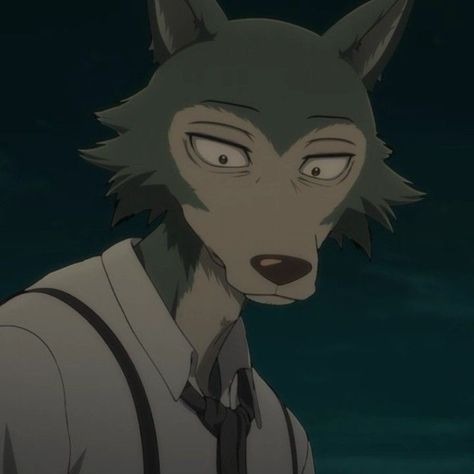
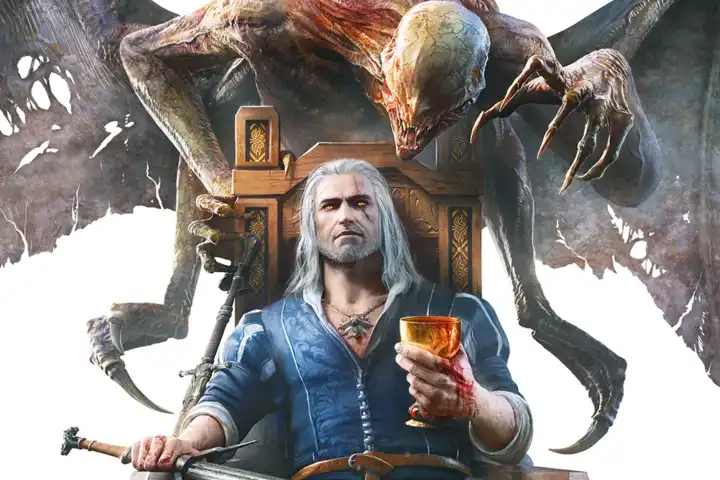
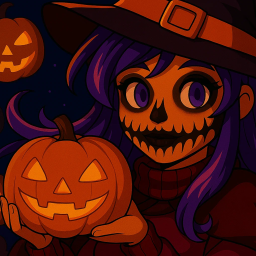
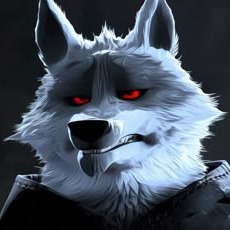
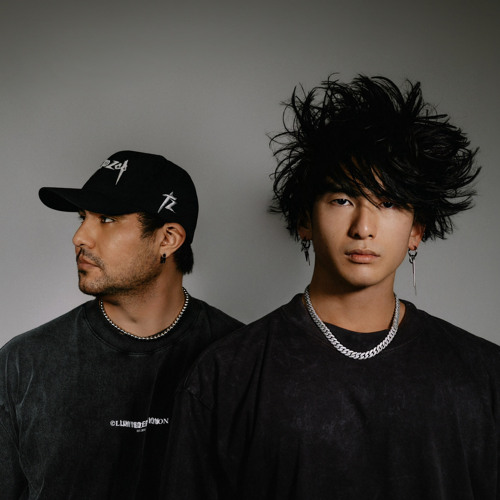
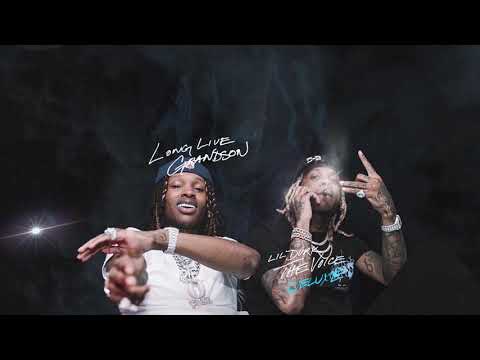
Start with a subject that remains clear at avatar size. Strong silhouettes, controlled highlights, and a simple background hold up better after Discord, Twitch, or a social app crops the image into a small circle. If the face or focal point disappears in the thumbnail, choose a version with brighter edge light or more space around the subject.
Match the image to your profile
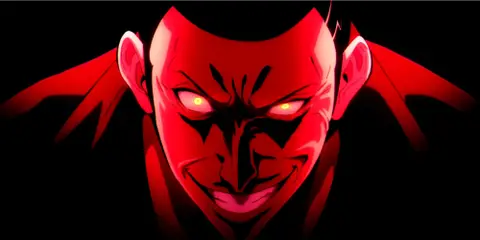
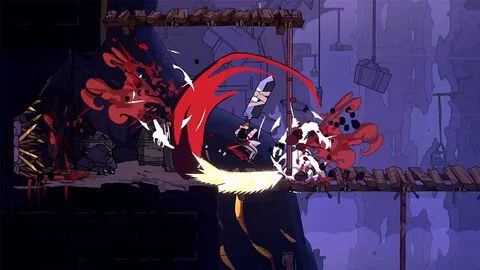
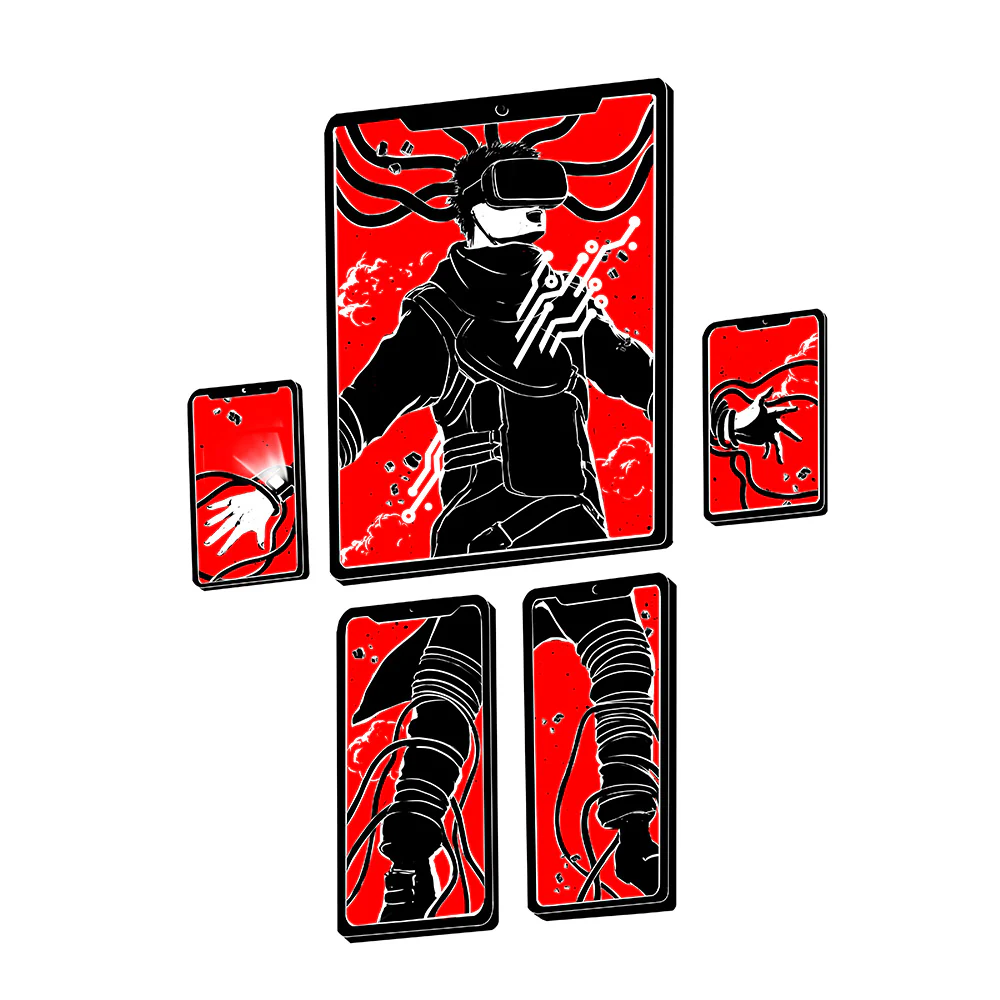
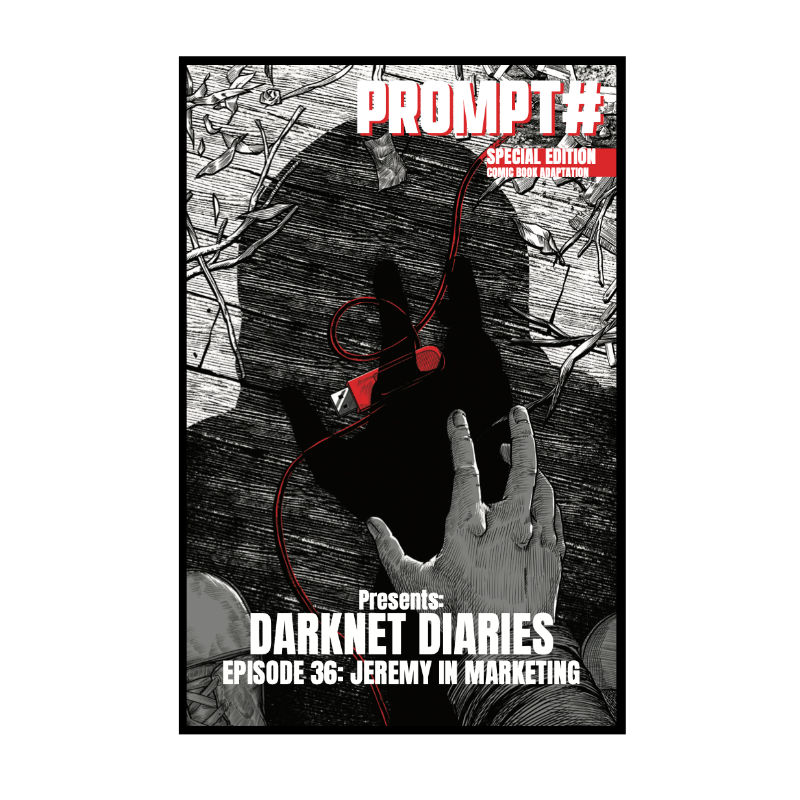
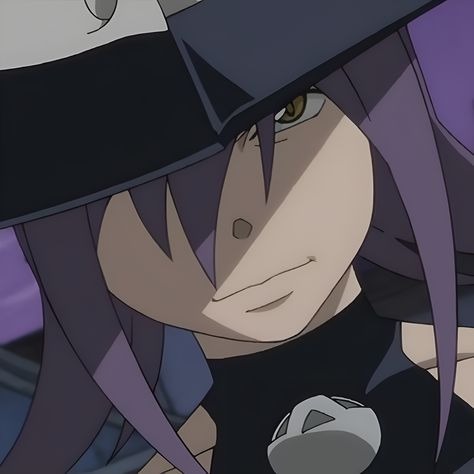
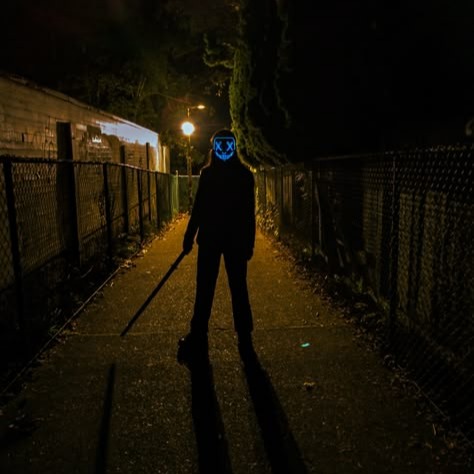
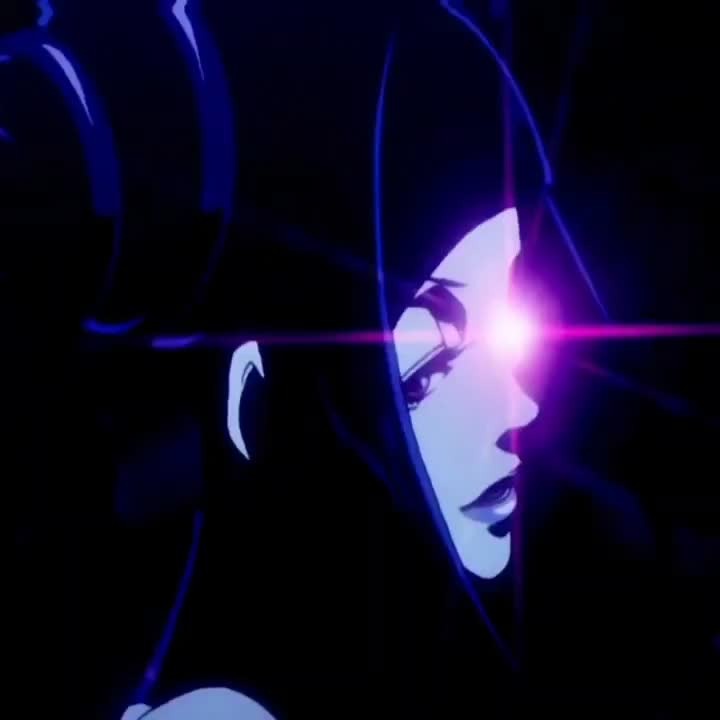
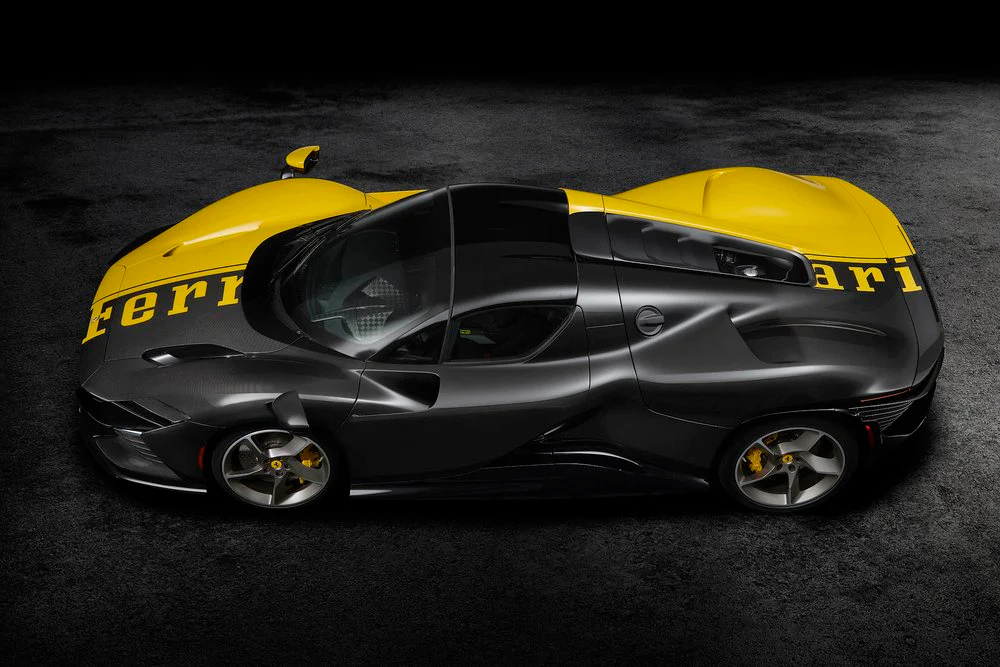
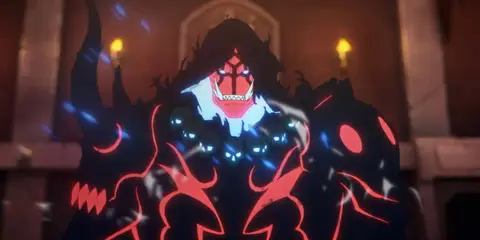
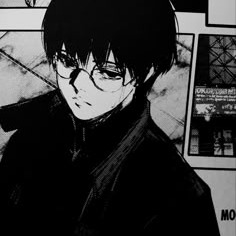
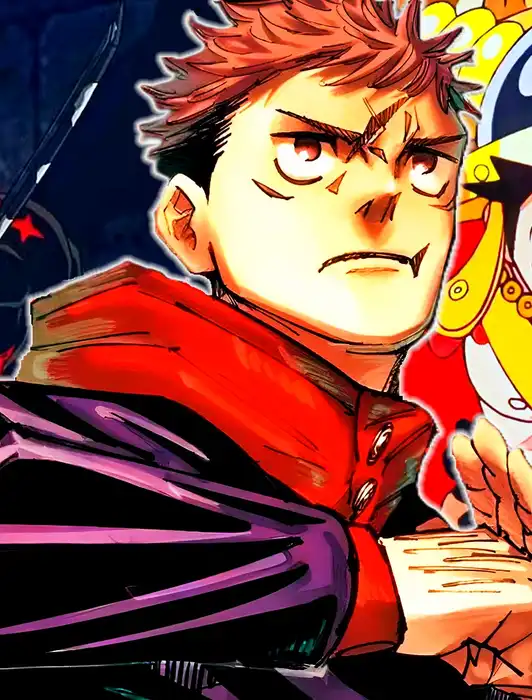
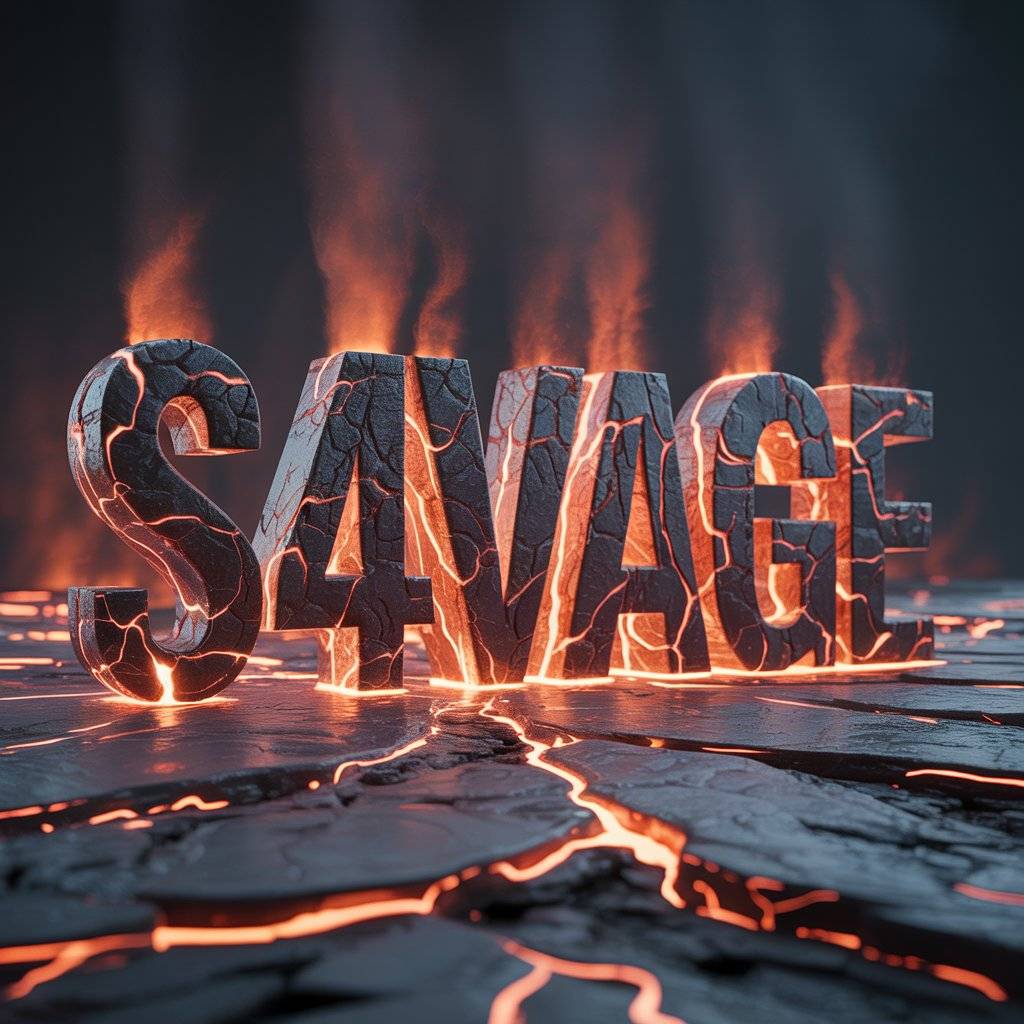
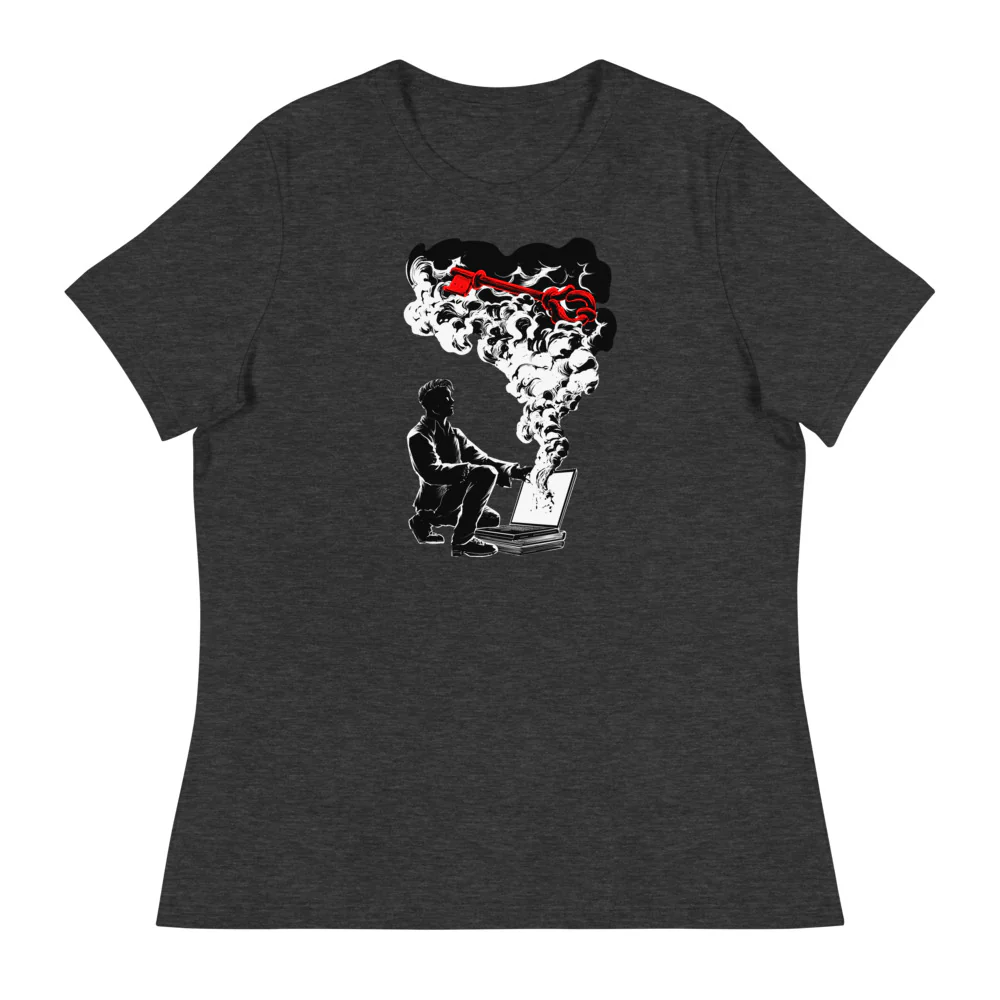
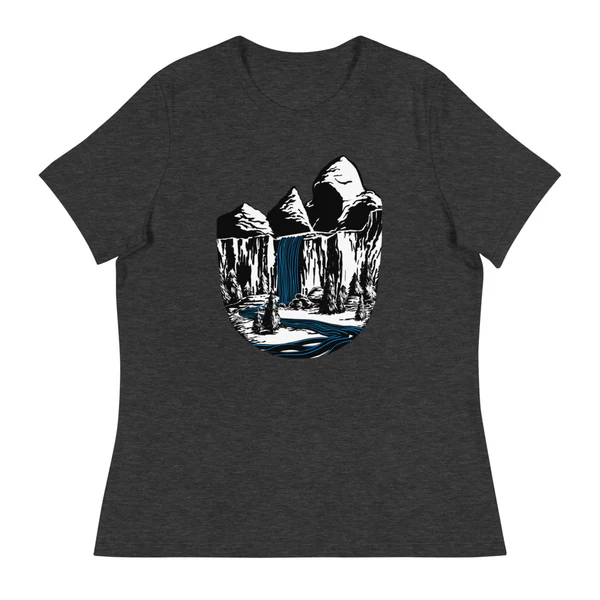
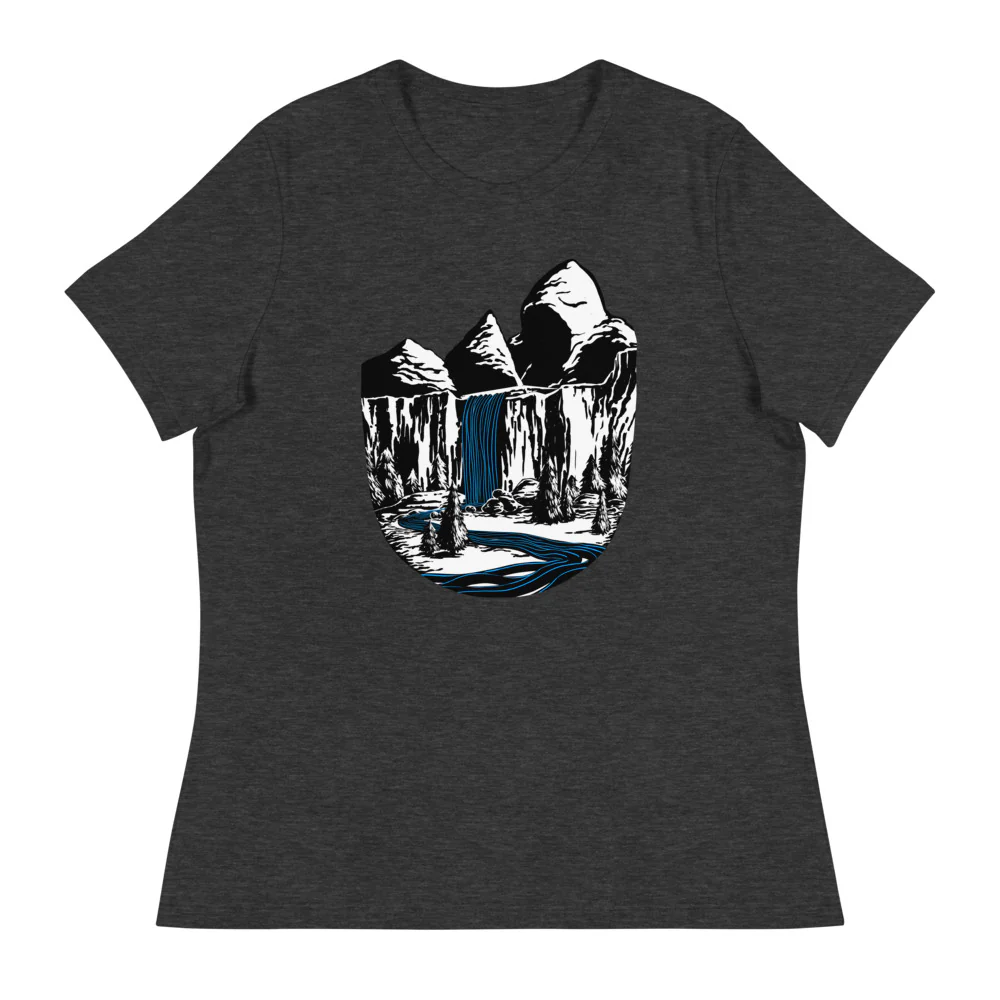
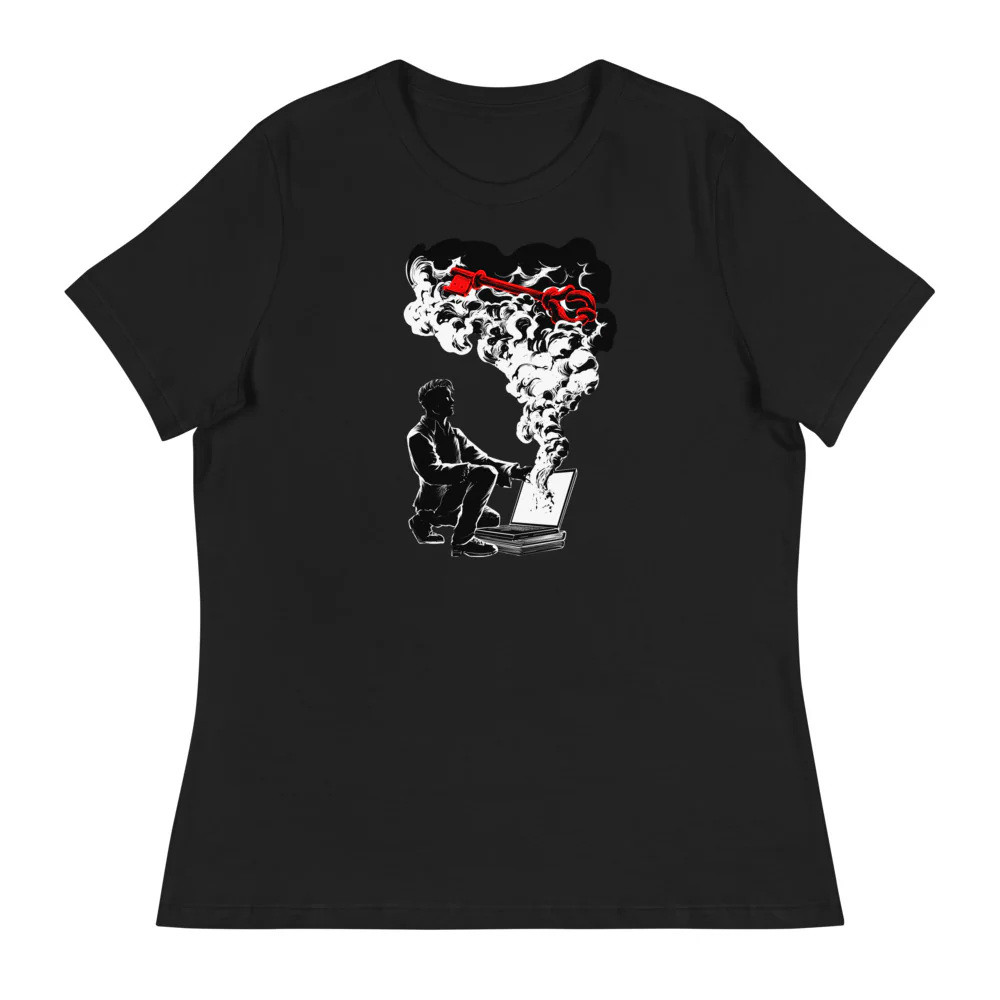
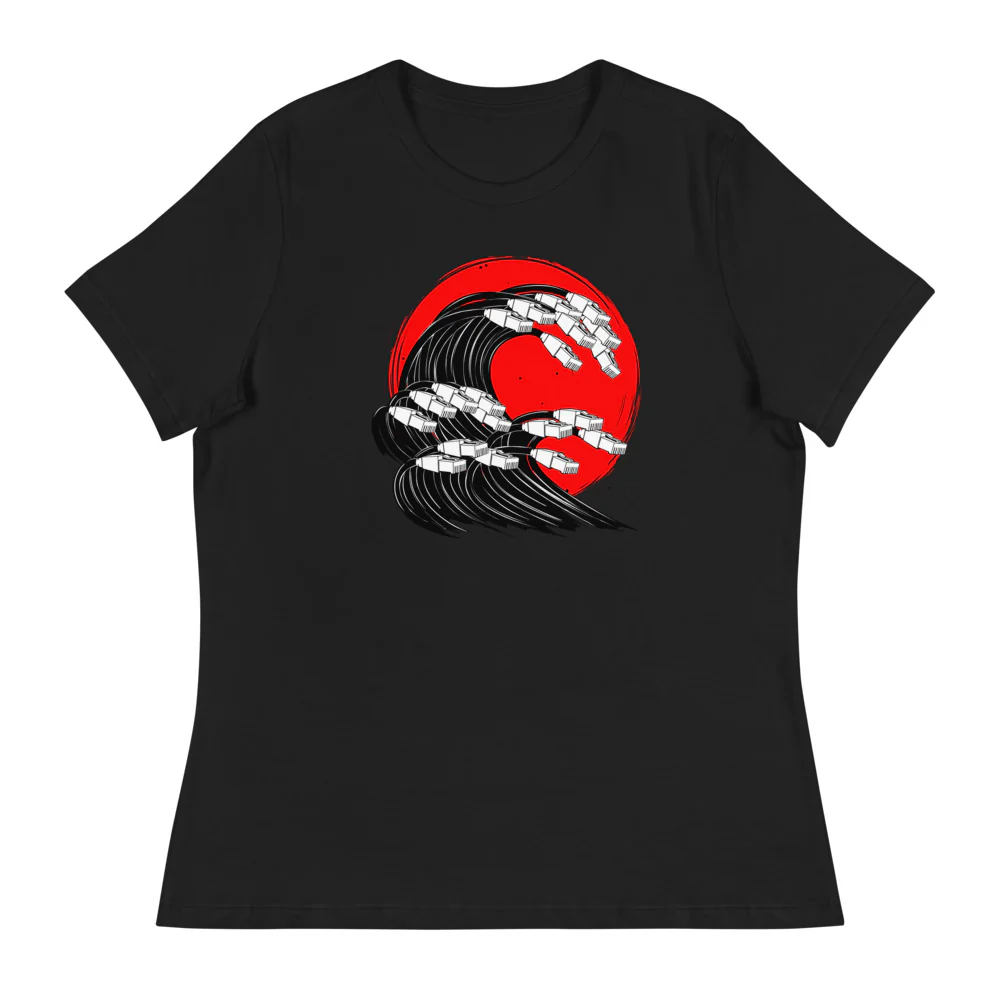
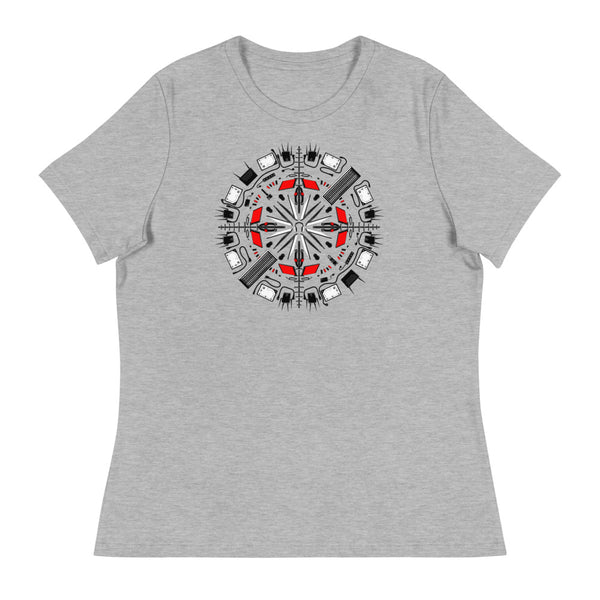
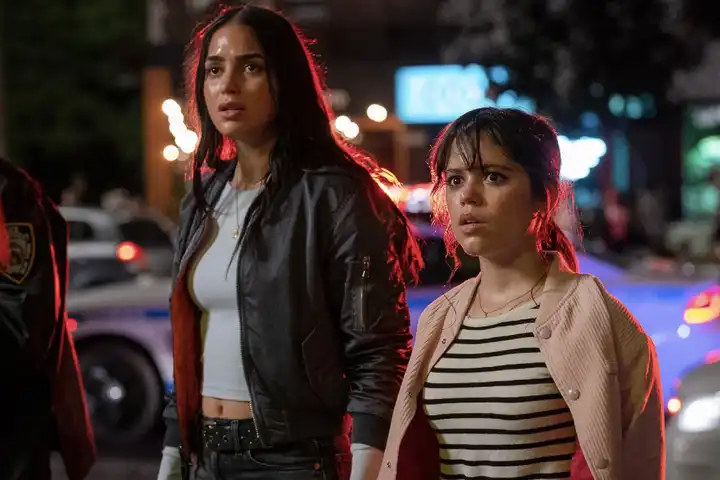
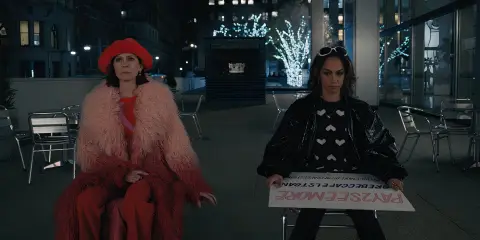
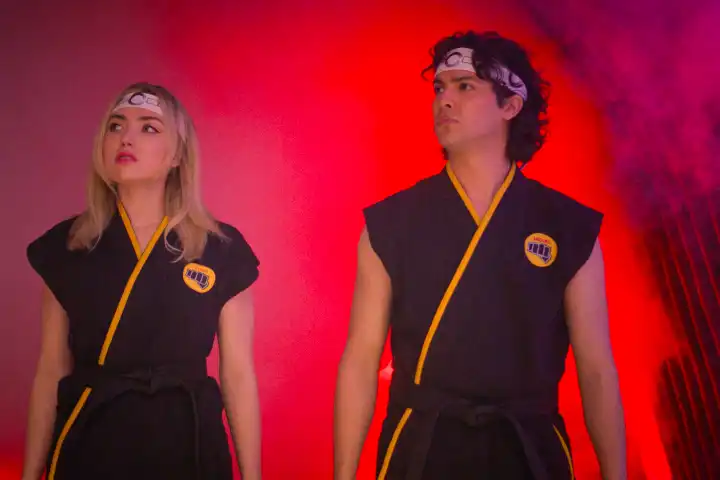
Black, charcoal, deep red, and cool blue artwork pairs well with dark profile themes without making every element blend together. A high-contrast PFP is useful when your username and badges already use muted colors, while a softer low-light image works well for minimal profiles. Preview a few options against your actual banner before settling on one.
Download the cleanest crop
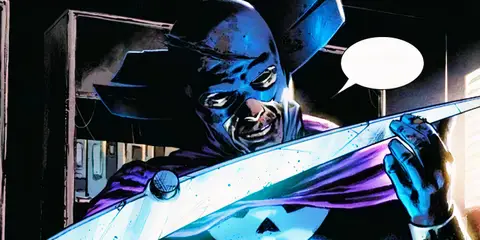
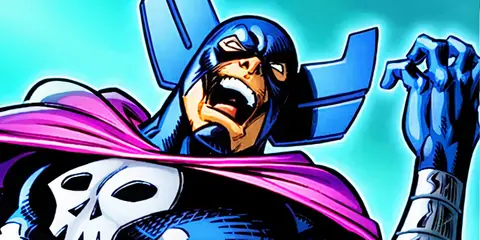
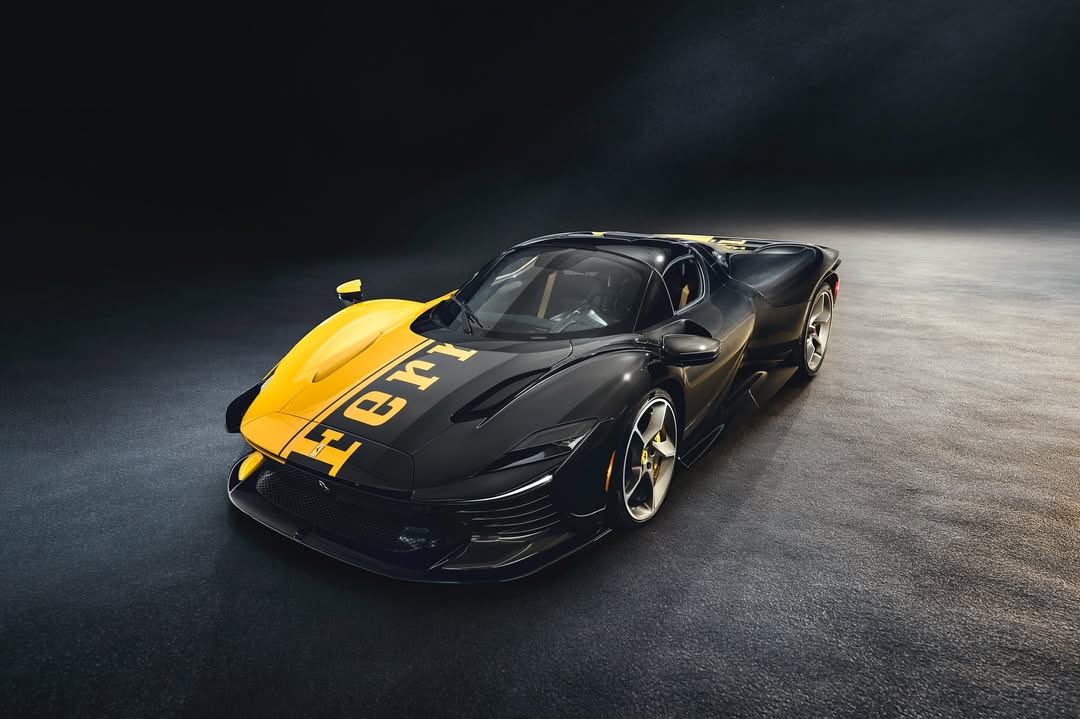
Open any image to view the original file, then save that version instead of taking a screenshot. Square artwork usually needs the least adjustment for an avatar. Wider images can still work, but check that the main subject stays centered inside a circular crop and that important details are not pushed into the corners.